YouIZin
Know who is on site. Always.
Sign-in for staff, visitors, contractors and deliveries, with a live emergency roll call behind it. YouIZin is branded and configured around the site, runs within the organisation’s own Microsoft 365 tenant and supports touchscreen, card and NFC-based check-in.
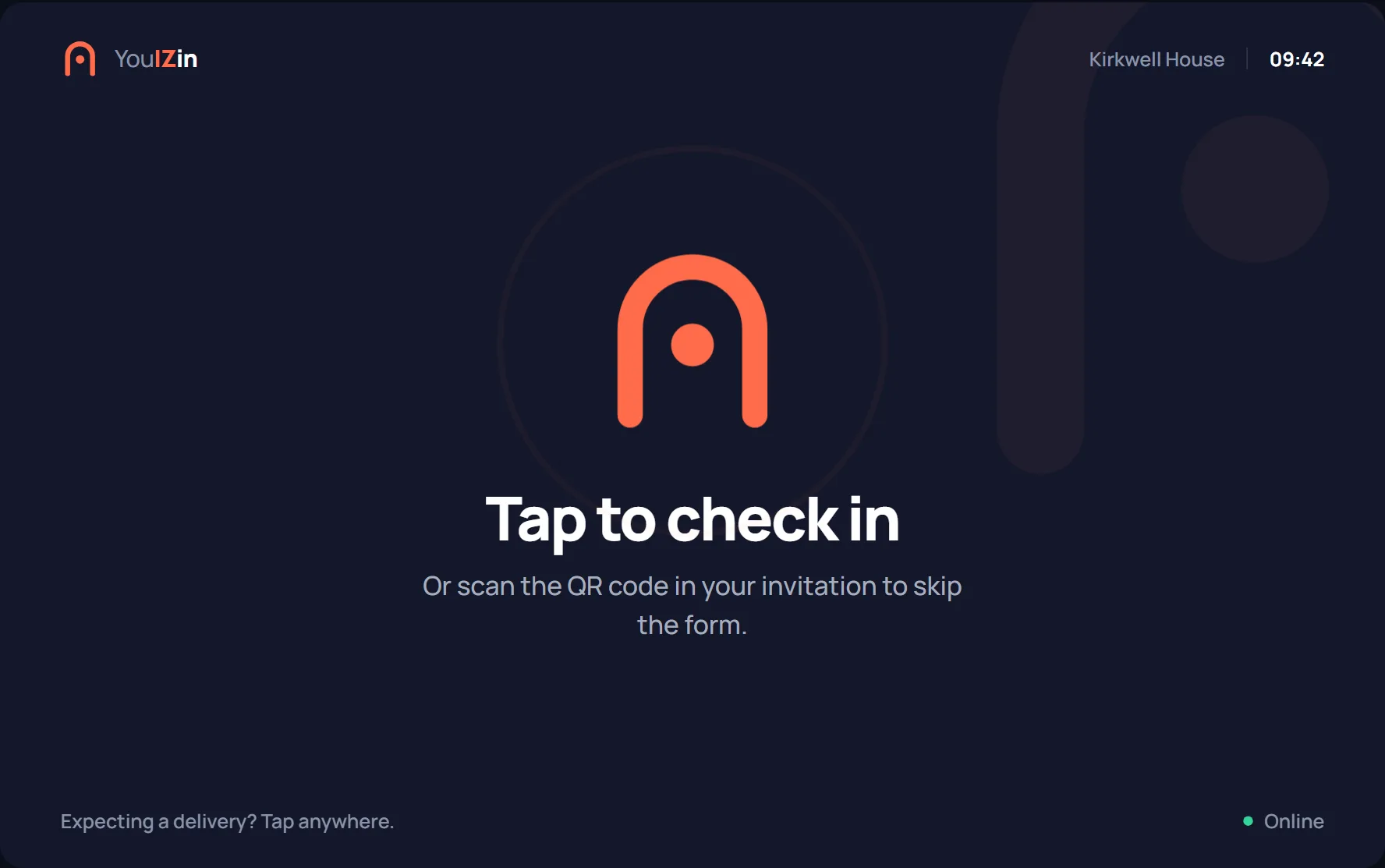
This is the actual kiosk
Not a video. Sign somebody in. Take it offline and sign somebody else in. Then sound the fire alarm and see exactly who the register says is still on site.
YouIZin
Kirkwell House · Reception
Which are you?
Everyone on site signs in, including contractors and deliveries. It takes about twenty seconds.
Kirkwell House is invented, and so is everyone in it. Nothing you type is sent anywhere — the whole demonstration runs in this browser tab.
More than a digital visitor book
Signing people in is the easy half. The half that matters is knowing, at any moment and especially the worst one, exactly who is inside the building.
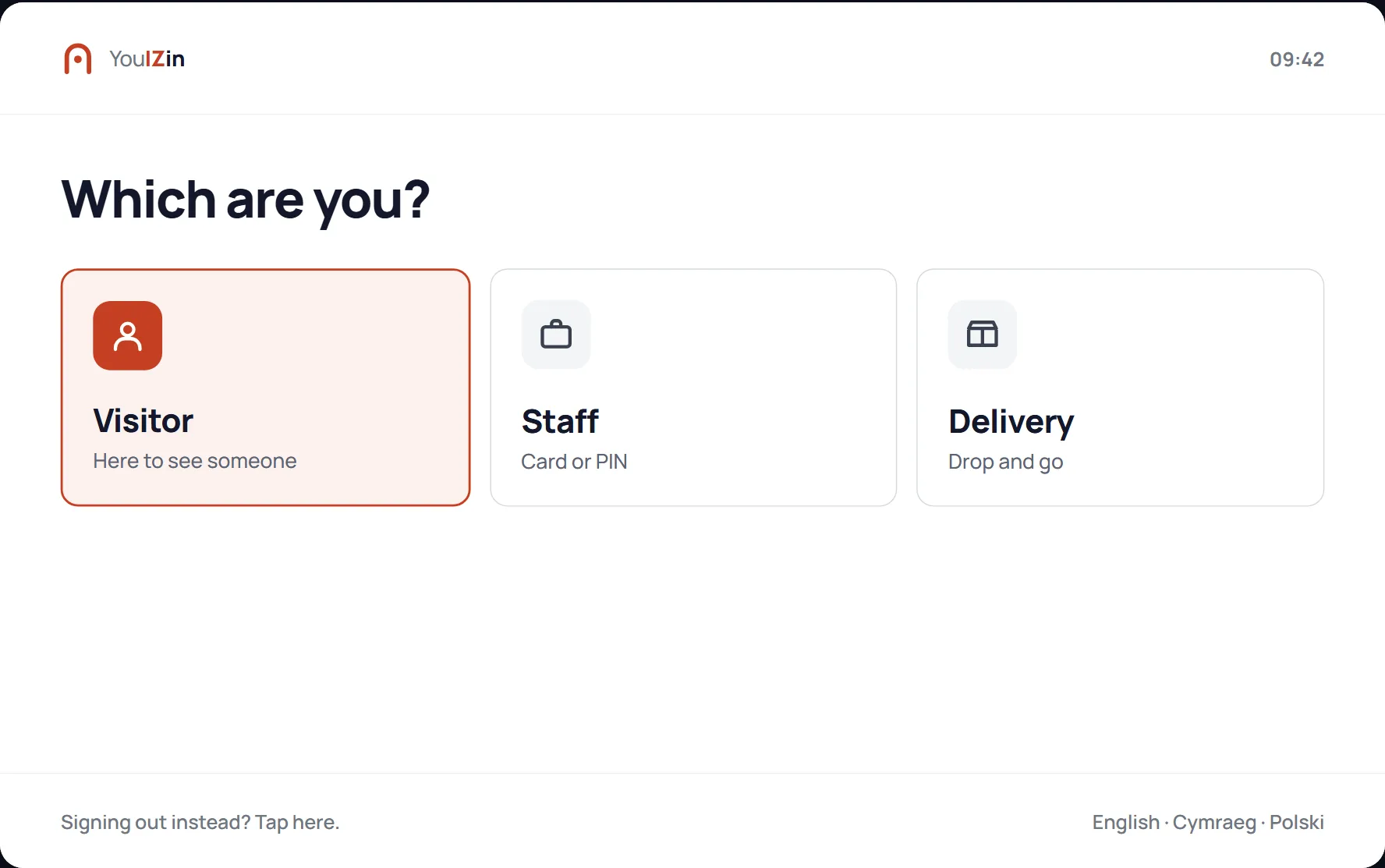
Four ways in, one kiosk
Staff tap a card or enter a PIN. Visitors are matched to the person they are seeing. Contractors get the induction they need before they are let through. Couriers are in and out in seconds without filling anything in.
- Card, PIN or QR code for staff
- Visitors matched to a host, who is notified on arrival
- Contractor induction and safety notices built into the flow
- Deliveries logged in two taps
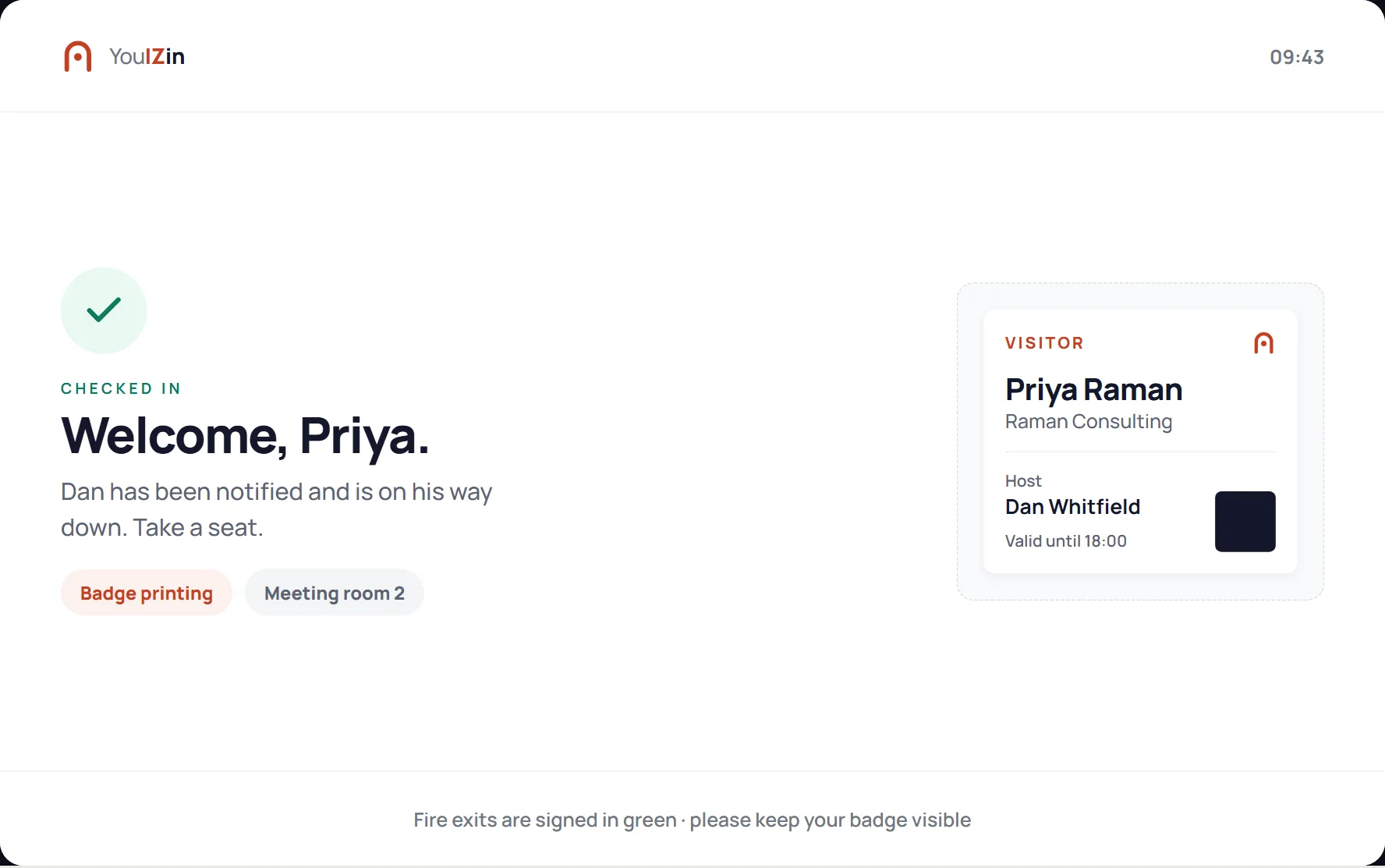
Badged in before they sit down
Name, host and date printed on arrival, previewed on screen first so a wrong name never leaves reception. Anyone pre-registered scans the QR code in their invitation and skips the form entirely.
- Optional badge printing on check-in
- On-screen preview catches mistakes at the desk
- Pre-registered visitors skip straight through
- Safety notices shown and acknowledged before entry
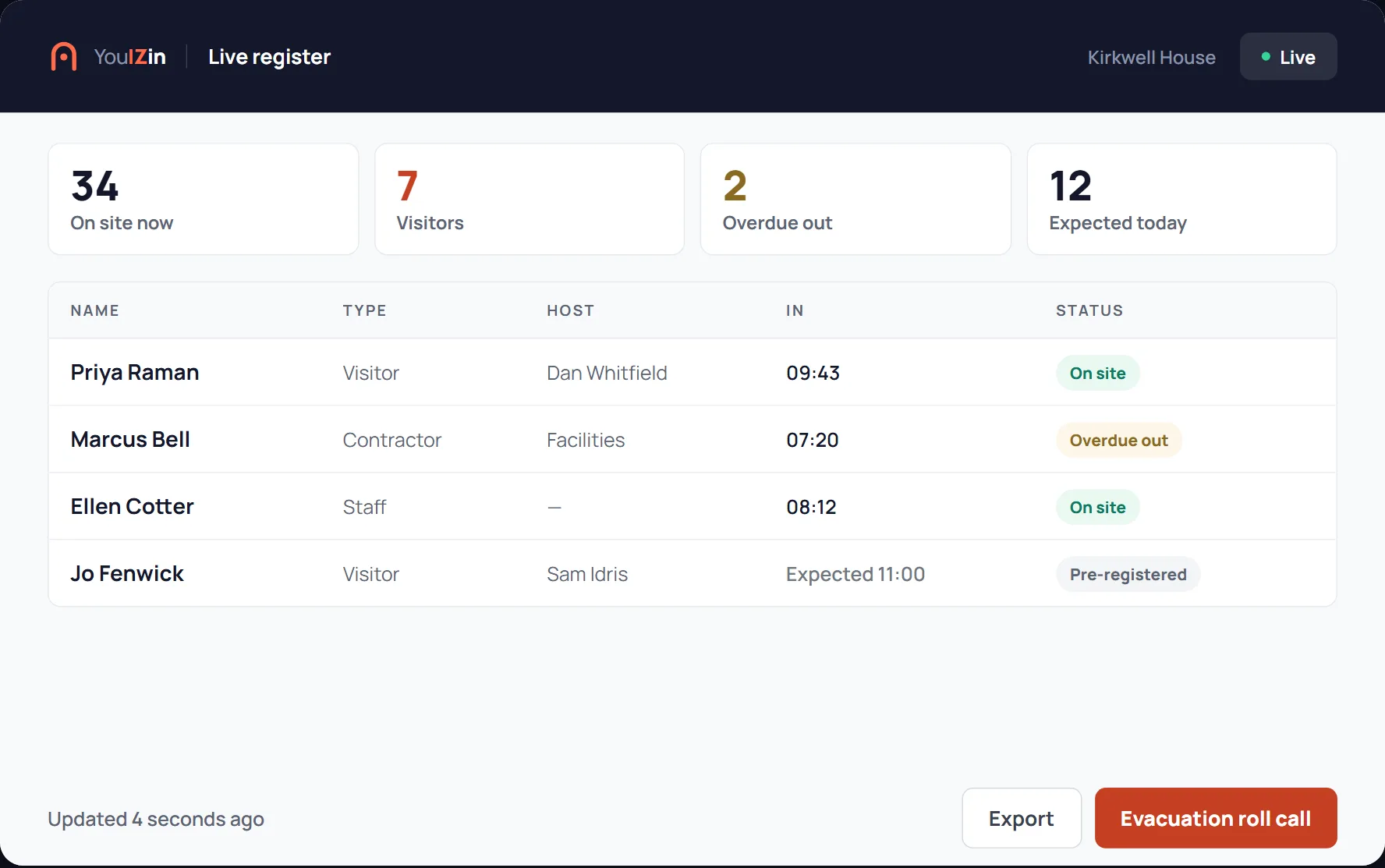
The whole site on one screen
Who is on site right now, broken down by staff, visitors, contractors and deliveries. Searchable, exportable, and current to the second — so “is the contractor still here?” takes a second rather than a walk round the building.
- Live headcount by category
- Search and export without leaving the screen
- Overdue sign-outs flagged before they become tomorrow's problem
- Records can be routed to HR or operational systems automatically where required
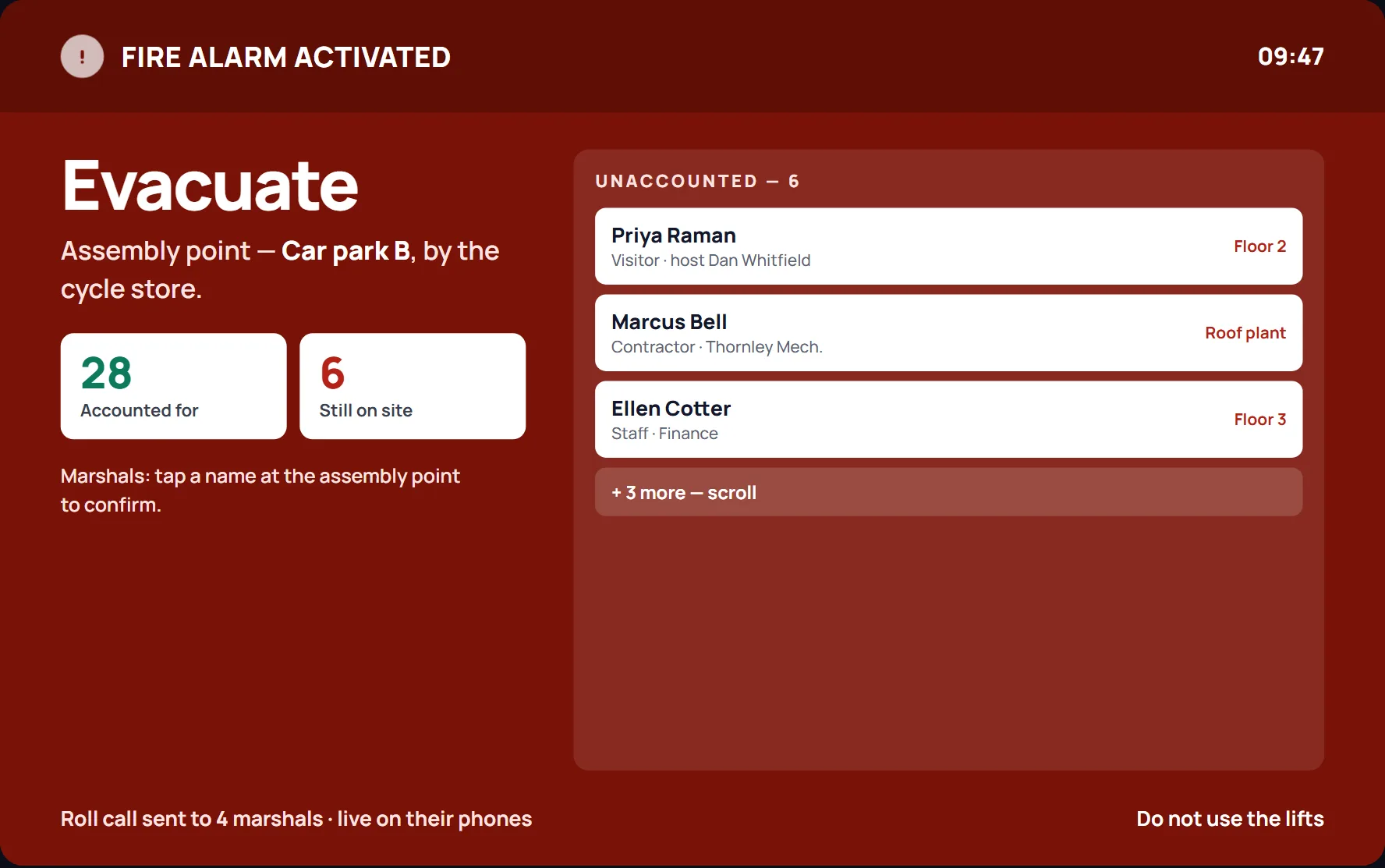
A fire register that is actually current
Everyone signed in appears on one roll call — staff, contractors, deliveries and visitors together. Not a paper book by the door that was last correct at half past eight. And sign-in keeps working with no connection at all, so an evacuation during an outage is not an evacuation without a register.
- One roll call covering everybody on site
- Marked off as people are accounted for
- Keeps recording offline, uploading when the network returns
- Assembly points and procedure configured to your site
YouIZin supports the organisation’s evacuation and roll-call process. It does not replace site-specific fire-safety planning, procedures or training.
Fitted to your site, not sold off a shelf
Organisations sign people in differently, and the ones with formal fire-safety procedures cannot bend them to fit somebody else’s software. Every deployment is configured to the site it runs on.
Your branding
Your logo, colours and wording on every screen. There is no supplier badge on the kiosk in your reception.
Your process
Evacuation procedure, assembly points, site terminology, induction wording, and which fields are required.
Your Microsoft 365 tenant
Records live in your own tenant, under your access and retention policies — not in a third-party cloud you cannot see into.
No proprietary hardware
YouIZin runs on a supported Android tablet or Apple iPad at reception, a gatehouse or a wall-mounted check-in point. Touchscreen entry requires no specialist terminal; card reader and NFC options depend on the selected tablet, peripherals and preferred sign-in process.
Show us the awkward bits of your site
The second gate. The night shift. Contractors who forget to sign out. Deliveries that are gone again in three minutes. Tell us how the site actually works, and we’ll show you how YouIZin would fit it.
Start a conversation